 8 Font Ecopixel Functions Guide
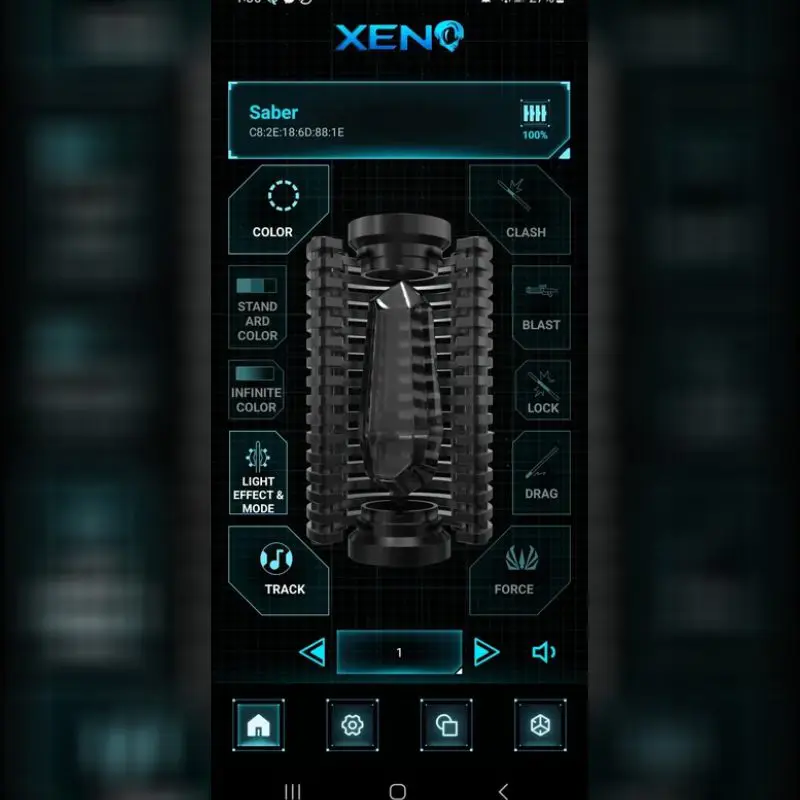 Xeno3 Pixel and RGB Support
 Golden Harvest V4
 Soundboard Board Voice Packs
 Xenopixel v2 Support
 RGBX Support
 RGBX 12 Font Support
 Golden Harvest Support
 Proffie v2.2 Support Page
 Proffie OS 8.10 Function
 Proffie OS7.13 Function
Sub-Total: $0.00

Get Help With Saber Soundboards
Custom Darkwolf Sabers provides soundboard support for flawless saber audio, ensuring your effects are crisp, immersive, and always perform just the way they should.
Lightsaber Soundboard Support and Guides
Need help with your lightsaber soundboard? Start by checking which electronics installation you ordered. DarkWolfSabers offers different board configurations, and button controls, sound settings, and customization steps can differ between them. Using the right guide will help you avoid instructions intended for another model.
Find the Correct Soundboard Instructions
First, check your order or the product page to identify the installed board. Then, review our lightsaber board installation comparison for an overview of the available electronics. If your saber uses an older RGBX board, see the RGBX 12-font support page. For compatible EcoPixel electronics, visit the 8-font EcoPixel functions guide.
Before You Troubleshoot
Check the specific instructions for your installation before changing settings or opening the hilt. If you are unsure which board you own, identify the saber model, installation choice, and what happens when you try the relevant control. These details help our support team understand your question. Avoid using instructions for an unrelated board, even when its buttons look similar.
This support page is a starting point for your electronics resources. For assembly questions, review our saber assembly guidance. If you need help beyond the guides, contact DarkWolfSabers support with the details of your installation and the issue you are experiencing.